Share survey results, not respondents.
Show KoboToolbox results on WordPress from only the questions you share.
Coming soon to the WordPress.org plugin directory
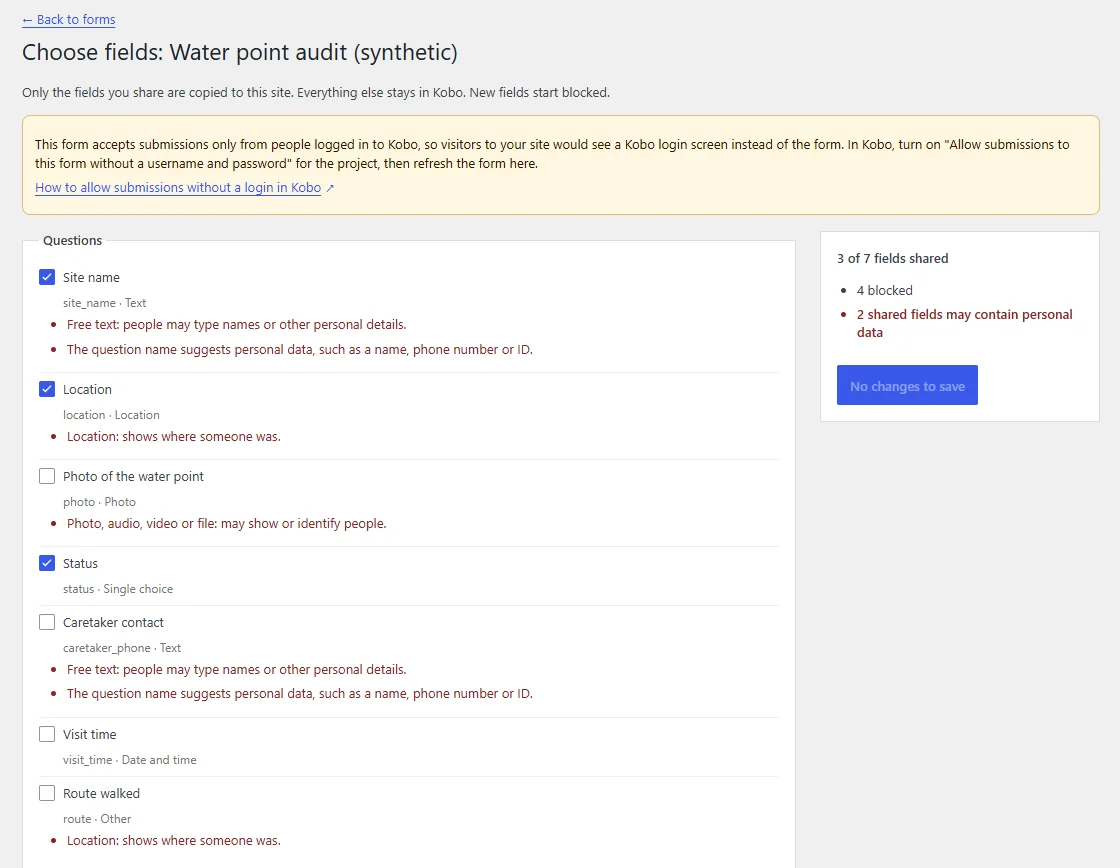
Private until you say otherwise
Three defaults you change on purpose, never by accident.
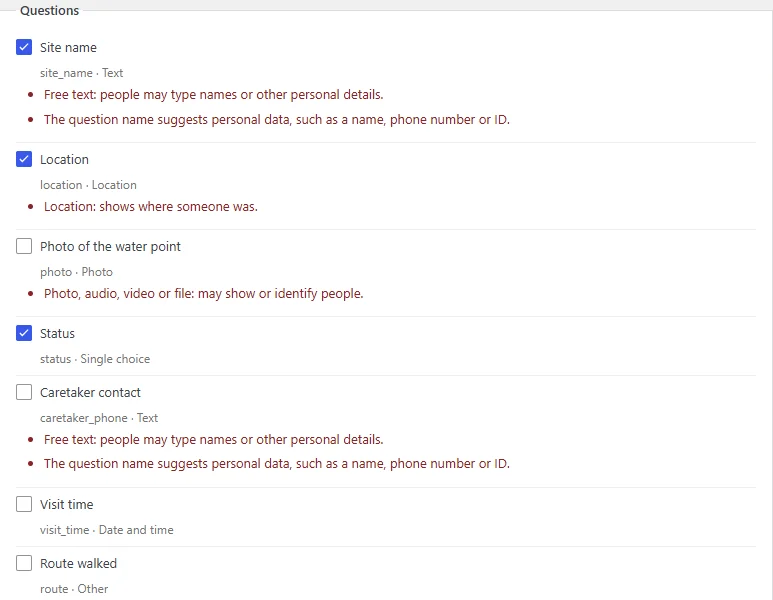
Every question starts blocked
Free text, locations, photos and questions named like a phone number or an ID are flagged, and you confirm each one. Blocked answers never reach your database, cache or logs.
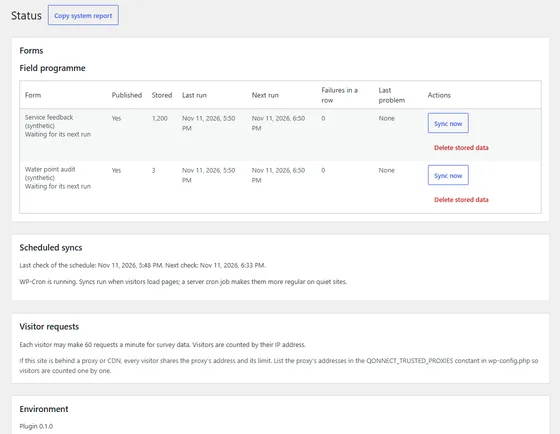
Nothing is public until you publish
Each form has a Publish data switch, off by default. Until you turn it on, its blocks show nothing to visitors and its data API answers not found.

It only reads from your Kobo account
It never creates, changes or deletes anything there. Your API token is encrypted on your site and never sent to a browser.
Four blocks for your pages
- Kobo Form
- Embeds a deployed form so visitors fill it in on your page.
- Submission Count
- How many submissions a form has, filtered by a shared answer if you like.
- Data Table
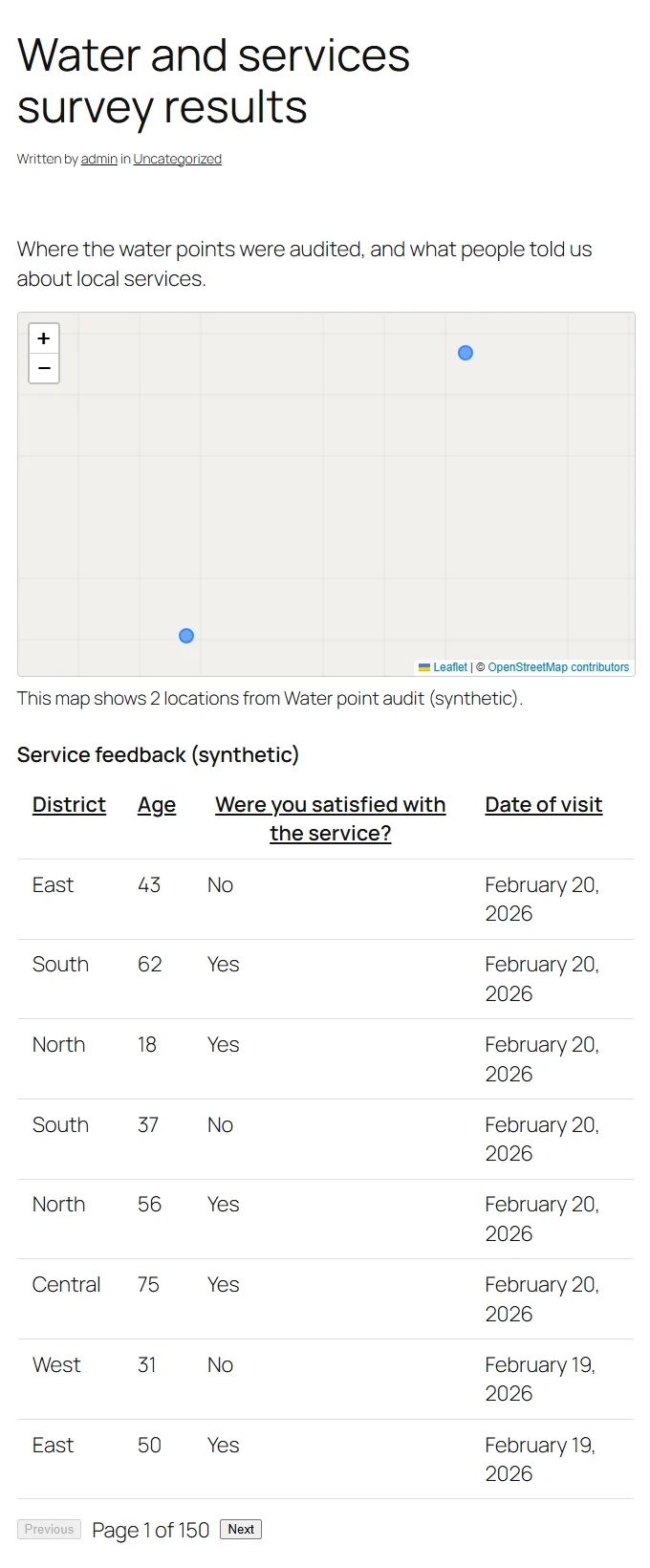
- The shared fields, with paging, sorting and search.
- Submissions Map
- Where submissions were made, from a shared location question.
Each block has a shortcode too. Pages read the copy on your own site and never call KoboToolbox when a visitor opens them.
What it needs
| WordPress | 6.5 or later |
|---|---|
| PHP | 8.0 or later |
| KoboToolbox | An account on the global or EU server, or your own server over HTTPS |
| API token | From your KoboToolbox account settings |
| Sync | Hourly by default, or every 15 minutes to once a day per form |
Coming soon to the plugin directory
Qonnect for KoboToolbox will be free in the WordPress.org plugin directory.
Write to us